Wallpapers for iPhone & iPad
Lumenglows — Wallpapers that make your iPhone and iPad shine
Welcome to Lumenglows! We offer an exclusive collection of deep black wallpapers designed specifically for the lock screen of your iPhone and iPad. Our promise: No annoying sign-ups, no ads, and no account required. Just open the app, pick your favorite design, and save it.
Coming soon to the App StoreFor iPhone and iPad, compatible with iPhone and iPad running iOS 18 or iPadOS 18 or later. Available in German and English.
Target of the future link:
[[APP STORE LINK — coming with the release of the app]]

The film
Light that comes out of the black
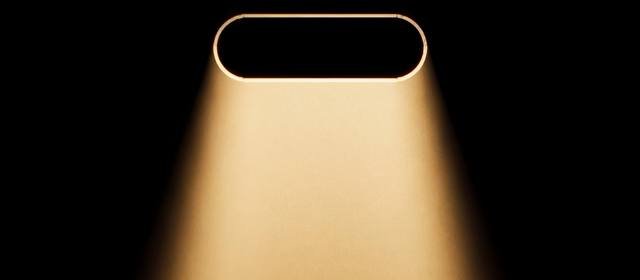
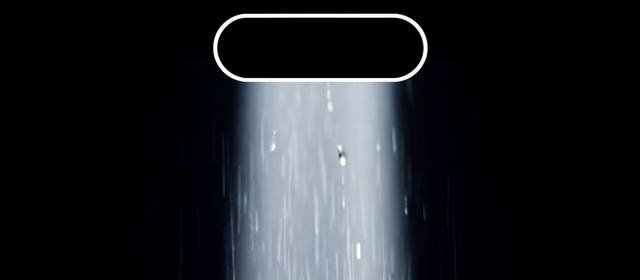
Four wallpapers from the catalog, set in motion for this film. In the app they hold still — except for nine real Live Photos.
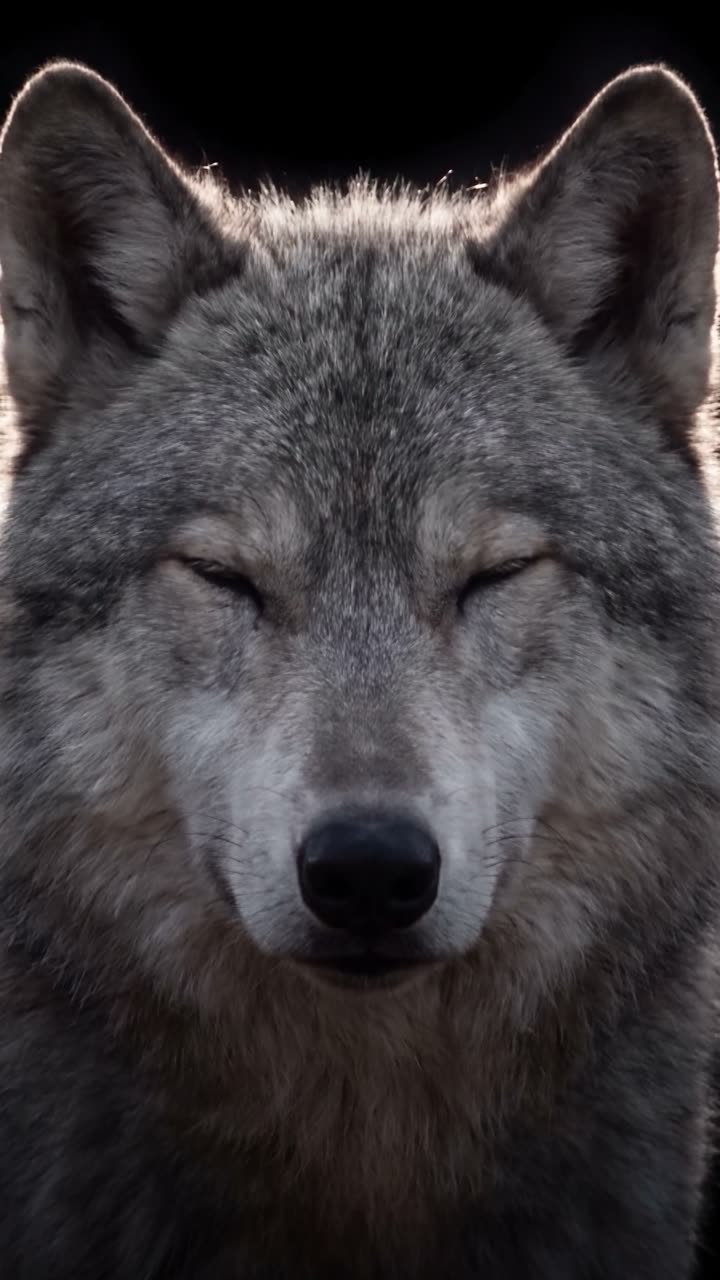
23 seconds, no sound.
Preview
Preview first, save later
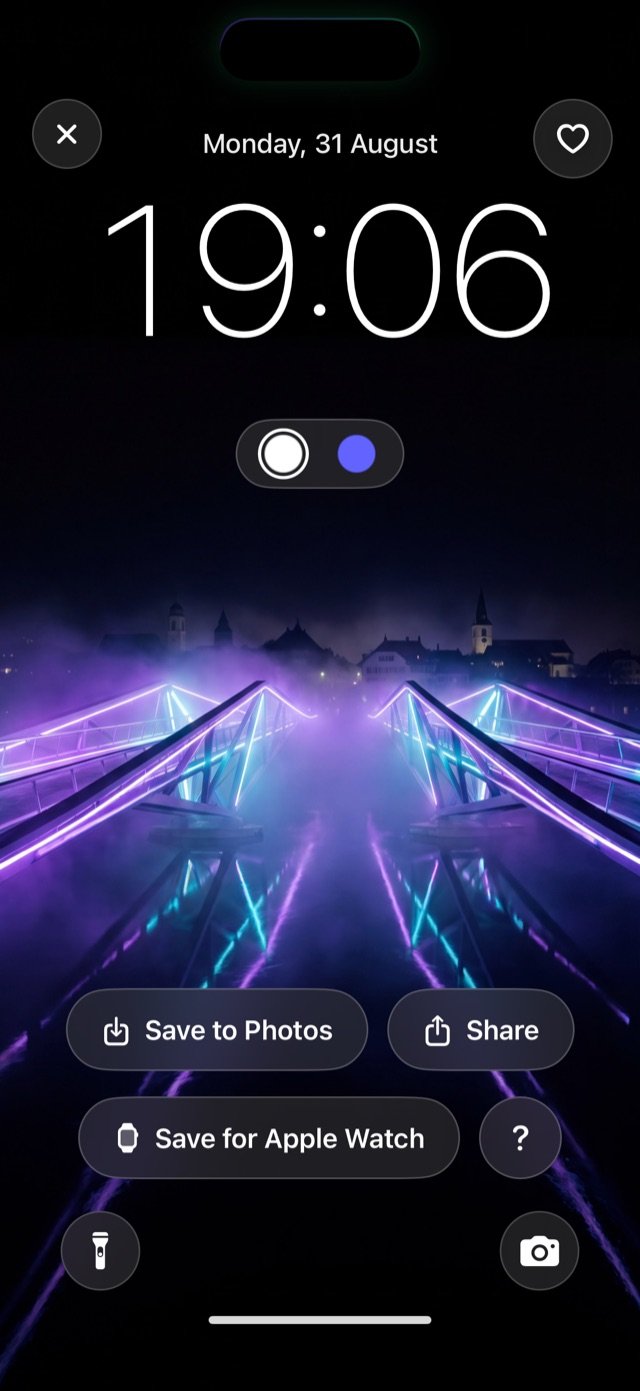
Before an image lands in your photo library, you can try it out right in the app exactly as it will look on your device — complete with the time, date, and the flashlight and camera buttons in their exact spots. No more endless tweaking in your settings only to realize you can’t read the clock anymore.
Best of all: We crop each image to perfectly fit your specific device. No stretched formats on the iPad, and nothing important gets cut off on the iPhone. And don’t worry: when you save a picture, we just drop it in — we never snoop through your existing photos.

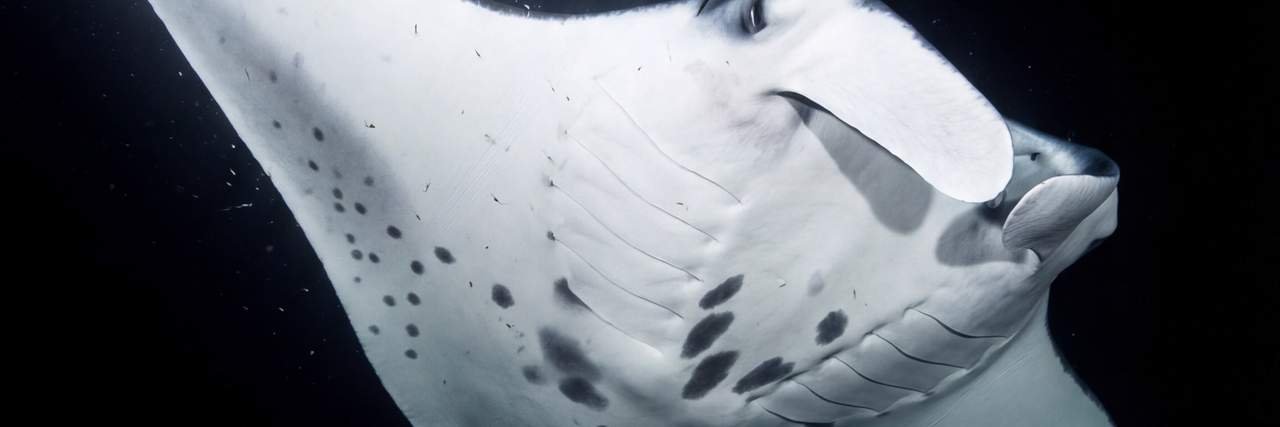
OLED
Built for your screen, not just placed on it
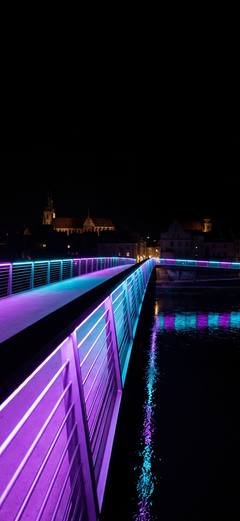
Our images are designed with one single purpose: to look fantastic on your screen. The dark areas stay perfectly pitch-black on OLED displays, which looks amazing and saves battery. We also always leave enough space at the top so you can easily read the time and date without them getting lost in the artwork.
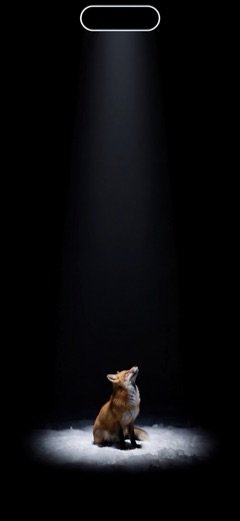
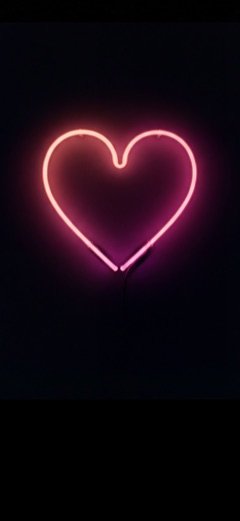
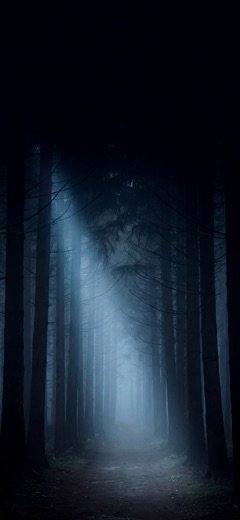
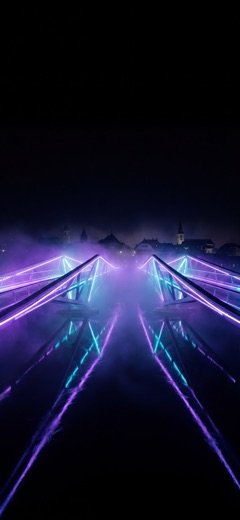
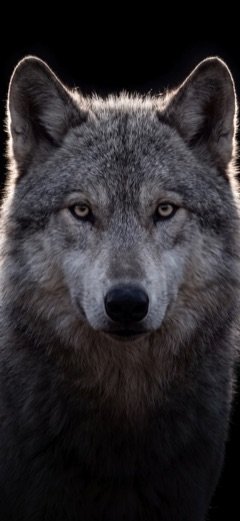
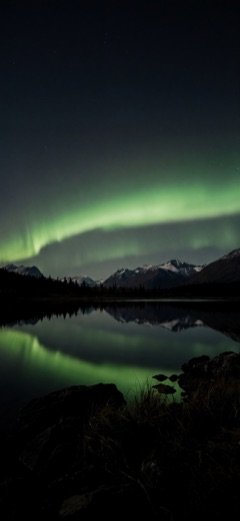
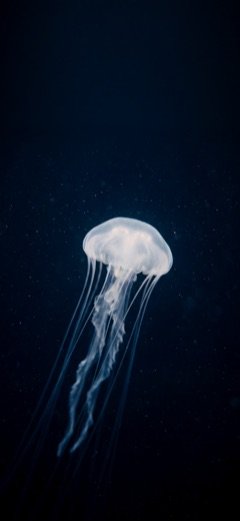

Eight of many. The first four are free for good.
Depth Effect
Striking Depth Effect
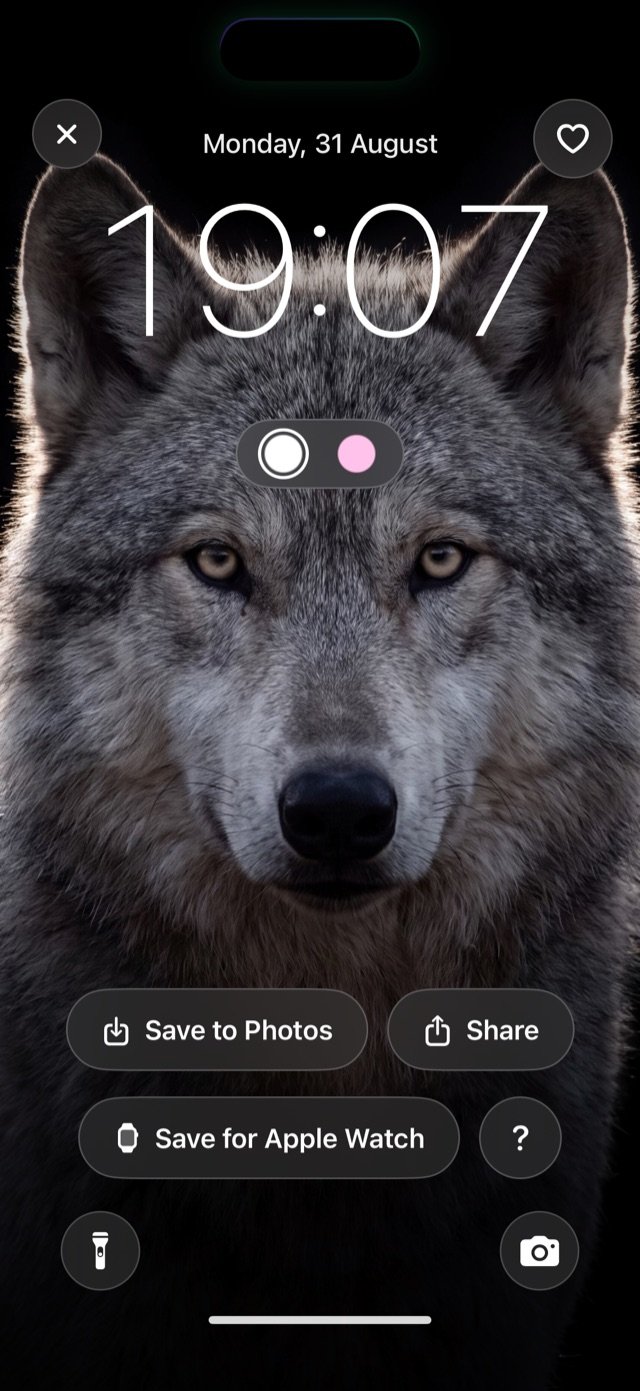
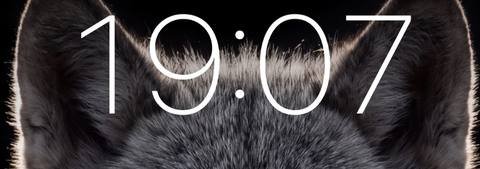
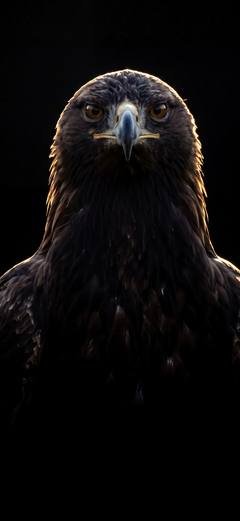
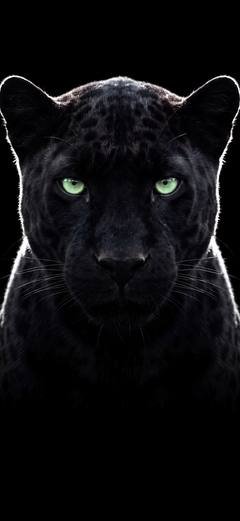
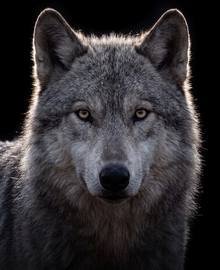
Many wallpapers are made specifically for the Depth Effect in iOS: the subject of the picture — a wolf’s head, say — steps quietly in front of the clock and gives the Lock Screen real spatial depth.

Dynamic Island
Turning the “Dynamic Island” into art
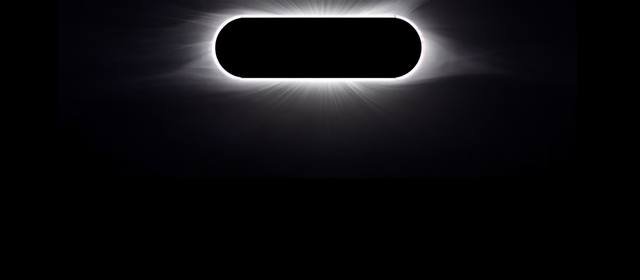
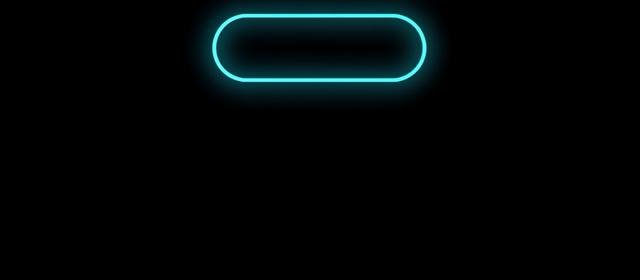
With most wallpapers, the black cutout at the top of the iPhone is just in the way. Not with us: in Lumenglows we blend it right into the picture. It becomes a glowing streetlamp, the moon, or a beam of light. To make this work, we align the designs with millimeter precision to perfectly match your phone’s hardware.
On your Apple Watch, too
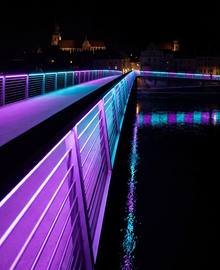
From the full-screen view you can drop a wallpaper into its own photo album — the one the Photos watch face draws from. The crop is recalculated for it: not the center of the picture, but the place where the light sits. On a watch face that is the difference between a motif and a black rectangle.
Live Photos
Wallpapers that come alive
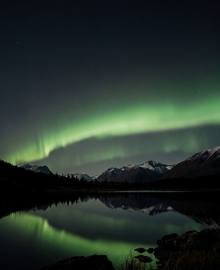
If you like things lively: we also feature “Live Photos”. Just press and hold your lock screen, and the image comes to life — without any annoying videos or battery-draining apps running in the background.
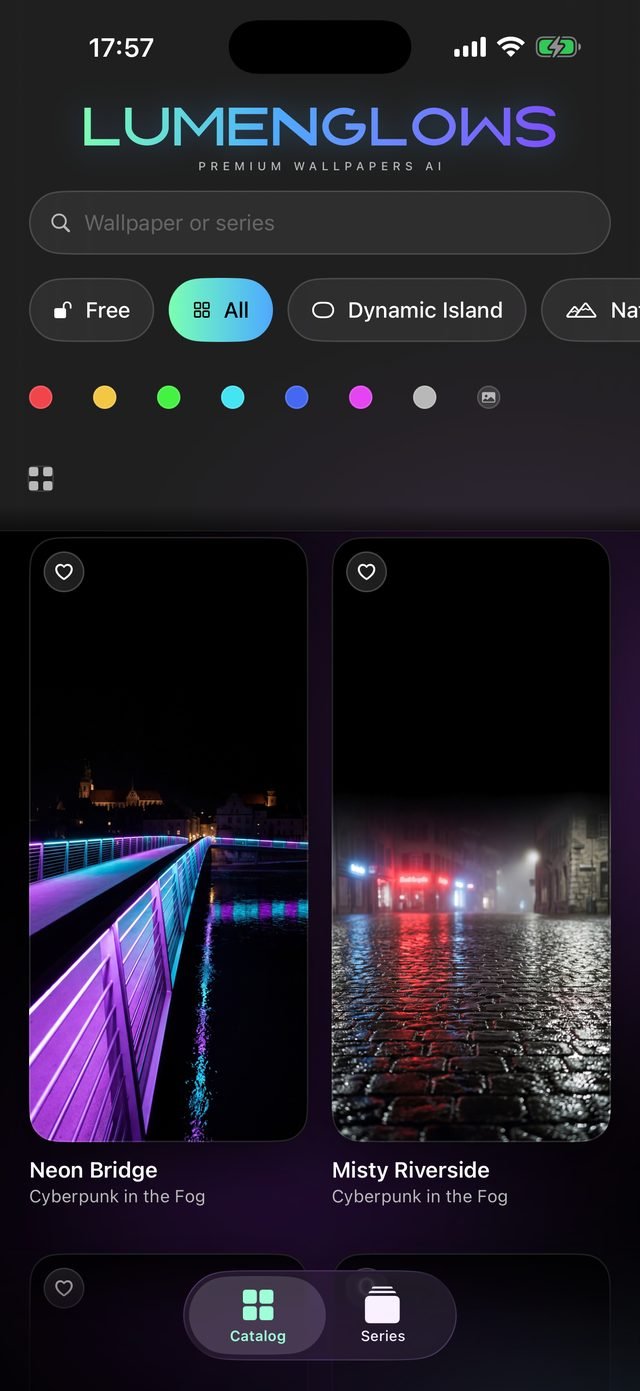
Catalog
Find exactly what fits your style
Our catalog is easy to navigate. You can search by specific series, genres, or simply by your favorite color. A fun highlight: you can even show the app one of your own photos, and it will find the wallpapers that match its colors perfectly. The “Free” category gives you permanent, no-cost access to the basic wallpapers.
Privacy
Your data belongs to you. We know nothing about you.
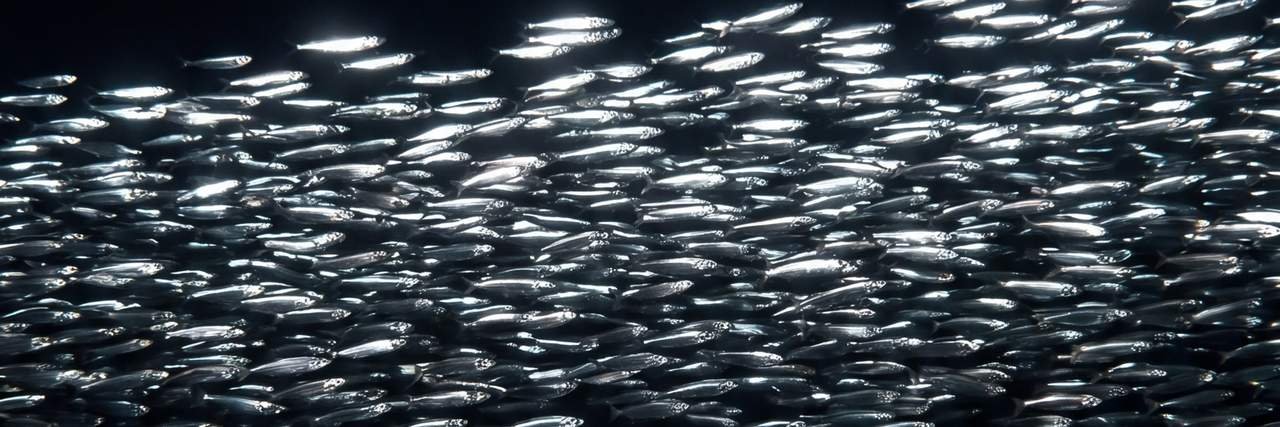
What does Lumenglows know about you? Absolutely nothing. We don’t use servers, we don’t ask for accounts, and we don’t save any of your data. Every wallpaper ships inside the app and is never fetched from the network. Everything happens directly on your device. You won’t be tracked, and you won’t be bothered by ads; purchases are handled entirely by Apple.
Whether Lumenglows Plus is unlocked is read locally on the device. The details are in the privacy policy.
Price
Lumenglows Plus — Fair and transparent
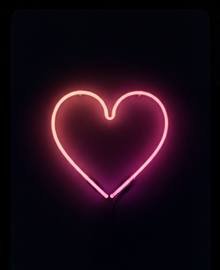
To give you a taste of what we offer, four of our wallpapers are free forever.
- Fox in the Beam
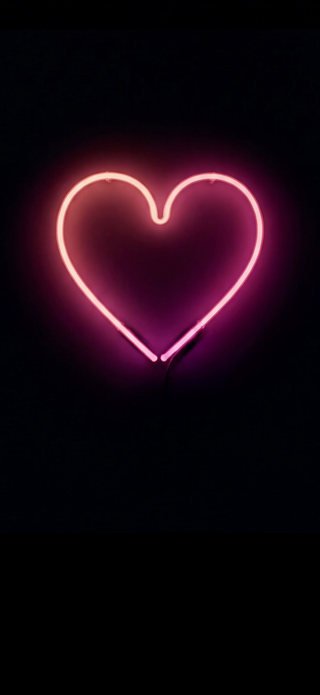
- Neon Heart
- Misty Forest
- Neon Bridge
If you love the app and want access to all designs, new series and handy tools, you can subscribe to “Lumenglows Plus” — payments are securely handled through Apple. We show you prices and subscription terms honestly and transparently right in the app, before you make any decisions.
The conditions are in the terms of use.